
How to add code coverage (codecov) to your R package?
Published:
While developing another R package, I lost a bit of time working out how to add code coverage to it. I’d had the same trouble the time before, so this time I decided to write up the procedure step by step.
Assuming you’ve already written an R package, the next step is to add some tests. Handily, the devtools package makes setting up both testing and code coverage a breeze.
Let’s start by scaffolding the tests with devtools:
library(devtools)
use_testthat()
Then add a test file for your_function() to your tests folder: use_test("your_function")
Next, add the scaffolding for code coverage (codecov): use_coverage(pkg = ".", type = c("codecov"))
This prints a snippet you can drop into your README to show a codecov badge. In my case it was: [](https://codecov.io/github/erykwalczak/PostcodesioR?branch=master)
This will create a codecov.yml file that needs to be edited by adding:
comment: false
language: R
sudo: false
cache: packages
after_success:
- Rscript -e 'covr::codecov()'
Now log in to codecov.io with your GitHub account and give codecov access to the project you want to cover. You’ll land on a screen showing a token, which you’ll need to copy: 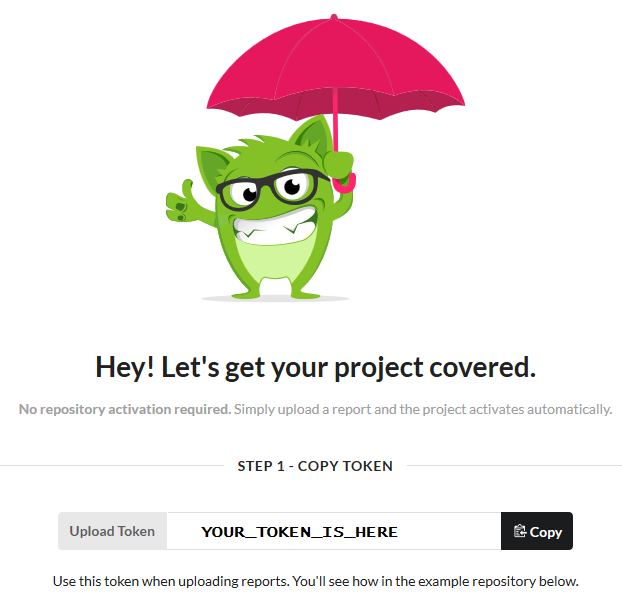 Once this is completed, go back to R and run the following commands to use covr:
install.packages("covr")
library(covr)
codecov(token = "YOUR_TOKEN_GOES_HERE")
The last line connects your package to codecov. If everything worked, your badge should now show a coverage percentage, like this:  Click it to see which functions aren’t fully covered and need more tests: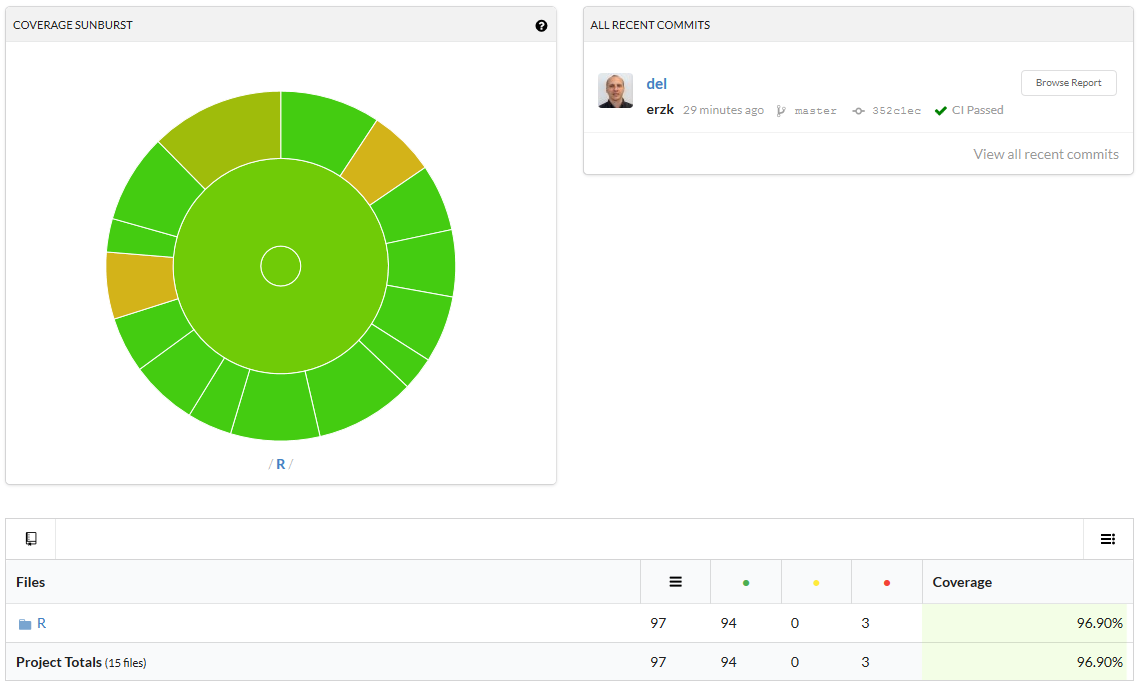
I hope this comes in handy and saves you some frustration.