
Automatic splitting of audio files on silence in Python
Published:
In my previous post, I described how to split audio files into chunks in R. This time I wanted to use Python to prepare long audio files (.mp3) for further analysis. The typical use case is splitting a long recording that contains many words, utterances, or syllables that then need analysing separately — a recorded word list, say.
I ran this on Linux (Ubuntu 16.04). It should be much the same on macOS, but Windows would need a fair few tweaks.
The first step was to convert the original .m4a files into .mp3 and extract the segment I cared about. I used ffmpeg for both. You can skip this if your files are already clean.
ffmpeg -i P17.m4a P17.mp3
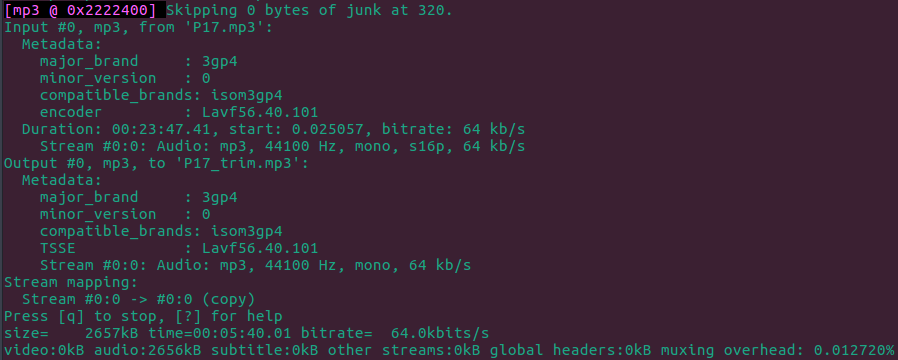
ffmpeg -i P17.mp3 -ss 00:17:50 -to 00:23:30 -c copy P17_trim.mp3
The second command copied the original .mp3 and extracted the segment between 17:50 and 23:30 — the part of my file that contained speech.
My continuous audio file contained repeated utterances of the same syllable. The code below splits it into segments, using a support vector machine (SVM) to detect silence:
Install pyAudioAnalysis and run this on the command line:
python pyAudioAnalysis/pyAudioAnalysis/audioAnalysis.py silenceRemoval -i P17_trim_short.mp3 --smoothing 1.0 --weight 0.3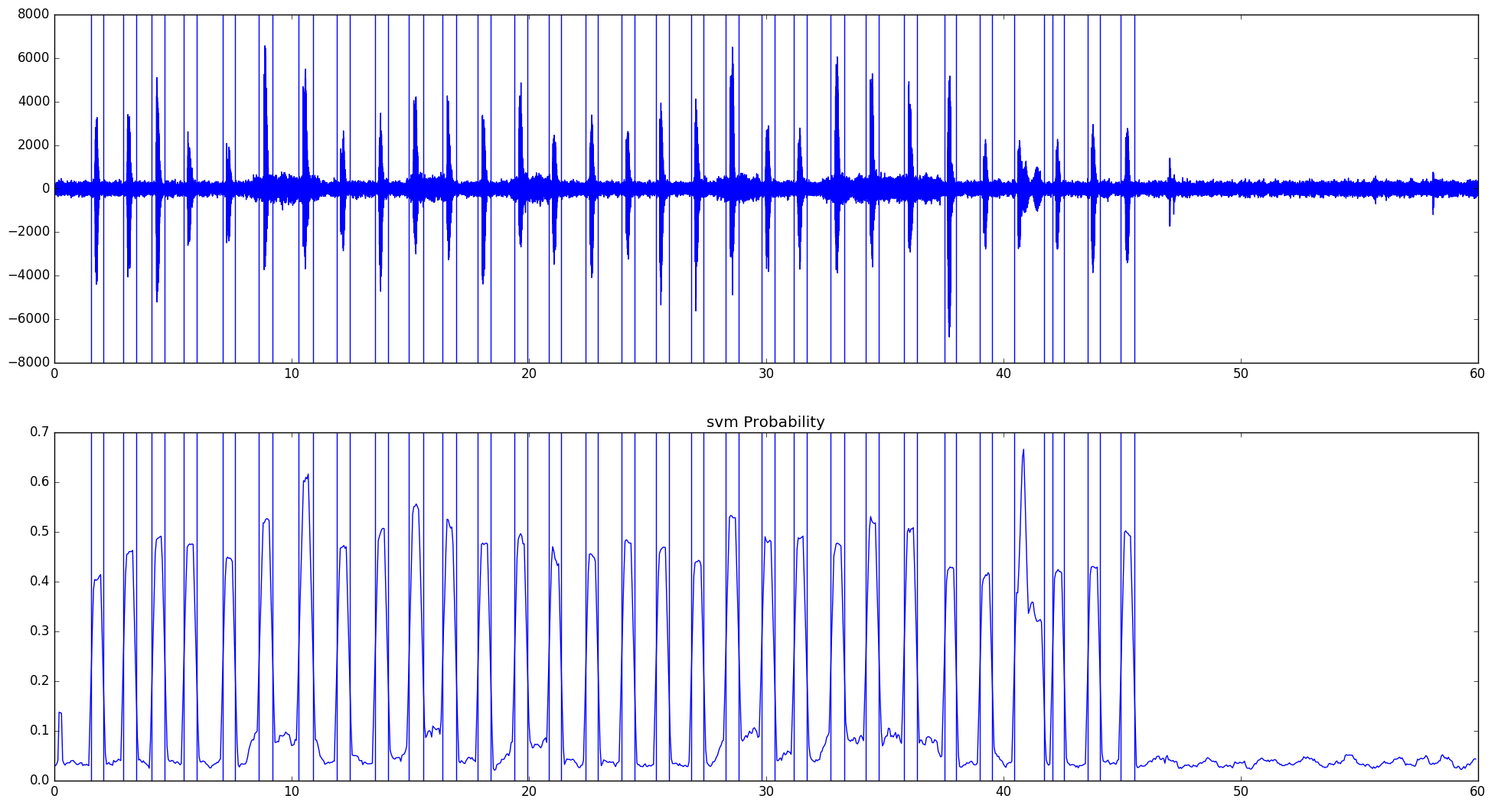
The result is a list of sliced wav files. The names contain timings of the boundaries.
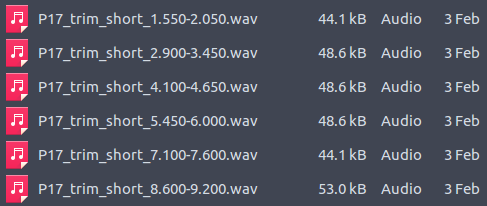
All files in a given directory can be split using the following script:
Make sure to point the script at the directory where audioAnalysis.py lives. Adjusting the smoothing and weight parameters changes the results, so tune them to suit the type of recording. By default the script pops up a window showing the suggested split, which is handy for keeping an eye on data quality. Run it from the command line with:
python split_continuous_audio.py